
50 Online Course Ideas for Creators: Find a Topic People Want to Learn
If you have practical knowledge or professional experience, you may be able to turn it into an educational product. The challenge is choosing a topic that is specific enough to teach and relevant enough for people to spend time learning. A good course idea starts with a clear audience and a learning outcome, not simply a subject you enjoy. The ideas below are starting points. Adapt them to your experience, the needs of your audience and the format you can realistically produce.
If you have practical knowledge or professional experience, you may be able to turn it into an educational product. The challenge is choosing a topic that is specific enough to teach and relevant enough for people to spend time learning. A good course idea starts with a clear audience and a learning outcome, not simply a subject you enjoy. The ideas below are starting points. Adapt them to your experience, the needs of your audience and the format you can realistically produce.
Music and audio: ideas 1–10
1. Beginner guitar fundamentals. 2. Bollywood guitar accompaniment. 3. Lead guitar techniques. 4. Music theory for guitarists. 5. Guitar improvisation. 6. Home guitar recording. 7. Guitar tone creation. 8. Music production fundamentals. 9. DAW workflow for beginners. 10. Building a home recording setup.
These topics can be narrowed further. “Guitar improvisation” might become a practical programme on creating melodic phrases over common chord progressions. “Home recording” might focus on recording a clean electric guitar using an affordable interface and free software. Specific outcomes help learners understand what they will be able to do.
Business and entrepreneurship: ideas 11–20
11. Starting a small online business. 12. Digital product creation. 13. Personal branding for creators. 14. Social media content planning. 15. Freelancing fundamentals. 16. Client communication. 17. Small business financial planning. 18. Product photography. 19. Building an online portfolio. 20. Marketing for independent creators.
Business topics benefit from examples, templates and realistic scenarios. A course on freelancing could teach how to define a service, prepare a proposal, set expectations and manage a client project. A digital product course could take learners from idea validation to a first product listing. Avoid promising business results that depend on market conditions or individual execution.
Finance and professional skills: ideas 21–30
21. Personal budgeting. 22. Understanding mutual funds. 23. Excel for finance professionals. 24. Financial modelling fundamentals. 25. Risk management basics. 26. Investment research fundamentals. 27. Data analysis with Excel. 28. PowerPoint for business presentations. 29. Business writing. 30. Interview preparation.
These subjects require careful accuracy and clear boundaries. Financial education should distinguish general information from personalised financial advice. Professional skills courses should state the assumed experience level and software versions. Use worked examples, downloadable exercises and practice tasks to help learners apply concepts.
Design and creative skills: ideas 31–40
31. Canva for beginners. 32. Social media graphic design. 33. Presentation design. 34. Brand identity fundamentals. 35. Product photography. 36. Video editing basics. 37. Short-form video creation. 38. Digital illustration. 39. Typography fundamentals. 40. Design systems for beginners.
Creative courses work well when learners can see progress. Include demonstrations, source files where you have the right to distribute them, exercises and before-and-after examples. Explain the tools required and whether the lessons use free or paid software. Make sure third-party assets and fonts are licensed for the intended use.
Technology and productivity: ideas 41–50
41. Introduction to Python. 42. Spreadsheet automation. 43. No-code website creation. 44. Introduction to artificial intelligence tools. 45. Prompt engineering fundamentals. 46. Personal productivity systems. 47. Notion for project management. 48. Workflow automation. 49. Building a personal website. 50. Using data to make business decisions.
Technology changes quickly, so include software versions and a review date. Teach transferable concepts rather than relying entirely on a sequence of interface screenshots. For AI-related material, explain limitations, privacy considerations and the need to verify outputs. A practical project can help learners understand how individual tools fit into a broader workflow.
How to choose the right idea
Start with three overlapping areas: what you know, what your audience needs and what you can teach clearly. List questions you have answered repeatedly. Then identify the smallest useful outcome you could teach. A course called “Learn Excel” is broad; “Build a monthly expense tracker using formulas and pivot tables” is more concrete.
Check whether you can create enough examples and exercises to support the topic. If the subject requires specialist equipment, software or prior knowledge, state that early. A topic may be interesting but unsuitable for your first product if it requires extensive production, frequent updates or access to resources you cannot distribute.
Validate before producing a full course
Publish a short tutorial, share a proposed syllabus or ask your audience about the most difficult part of the subject. Speak to people who match the intended learner. Ask what they have tried, where they get stuck and what a successful outcome would look like. Look for repeated needs rather than relying on a few enthusiastic comments.
You can test demand with a small downloadable resource such as a workbook, checklist or guide. This can help you learn which explanations are useful before committing to a larger educational product. Avoid taking payment for a course you cannot deliver or making claims about launch dates that are not confirmed.
Choose a format you can maintain
Not every educational product needs to be a hosted course. Depending on the subject, you could begin with a PDF guide, workbook, study notes, template pack or recorded lessons packaged as downloadable files. Choose a format that supports the learning outcome and that you can update responsibly.
CloverLoop's current scope is digital product storefront infrastructure. Do not assume it provides native course hosting, streaming lessons, student progress tracking or a learning management system. If your product uses video or external learning tools, explain how buyers access those materials and what is included.
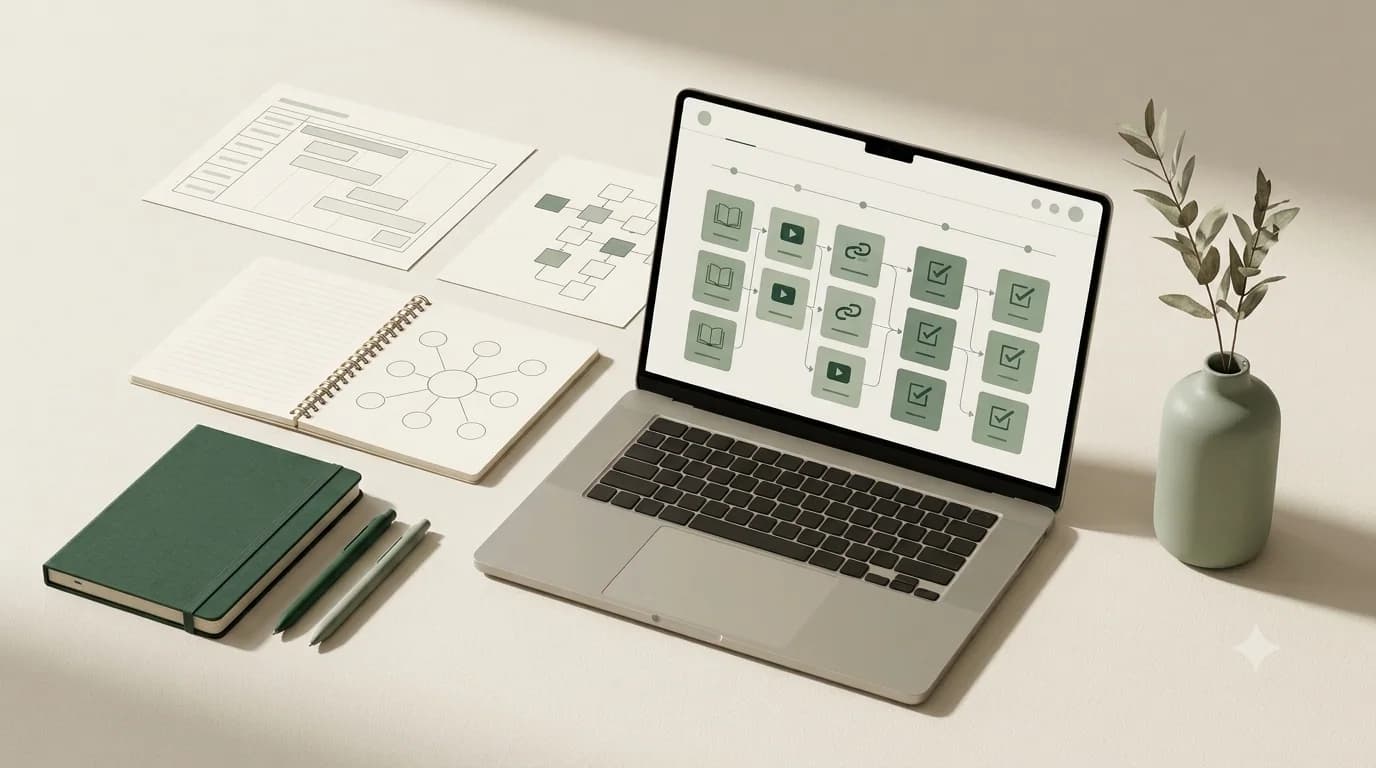
Design a learning journey
Arrange material from foundational concepts to practical application. Give each lesson a clear objective and avoid including information only because it is interesting. Add exercises that require learners to use the concept. A short recap, checklist or assignment can make the learning process more deliberate.
Ask a test learner to follow the material without your help. Note where they become confused, skip steps or need an example. Revise the content before expanding the course. Clear sequencing often matters more than production effects.
Describe the outcome honestly
A course page should state who the material is for, what it covers, what learners need and what they can reasonably expect to learn. Avoid guaranteeing jobs, income, investment returns, fitness results or other outcomes that depend on circumstances beyond the creator's control.
Use sample lessons, an outline or a short preview to help prospective learners evaluate the teaching style. Be transparent about the format, access method, file sizes and any third-party tools required.
Key takeaway: The strongest course idea sits at the intersection of your expertise, a real learner need and a clear outcome. Validate the topic and choose a format you can deliver and maintain.