
How to Sell Printables Online: Create Useful Downloadable Resources
Printables are digital files that customers download and print themselves, or sometimes use digitally in a compatible application. They can be planners, worksheets, trackers, checklists, calendars, learning activities and reference sheets. Their appeal is practical: a well-designed printable helps someone organise information or complete a task. The opportunity is not simply to make attractive pages. It is to create a resource that is easy to understand, comfortable to use and designed for a specific situation.
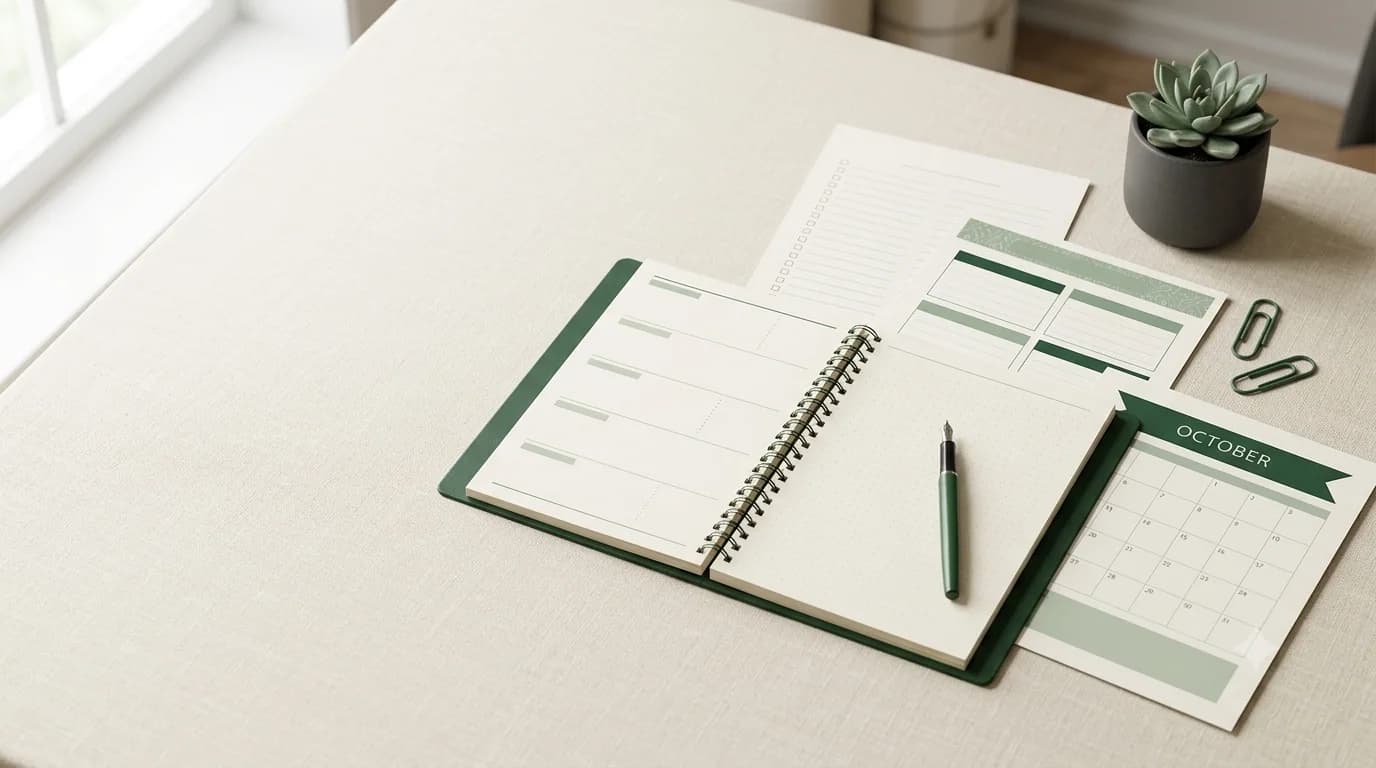
Printables are digital files that customers download and print themselves, or sometimes use digitally in a compatible application. They can be planners, worksheets, trackers, checklists, calendars, learning activities and reference sheets. Their appeal is practical: a well-designed printable helps someone organise information or complete a task. The opportunity is not simply to make attractive pages. It is to create a resource that is easy to understand, comfortable to use and designed for a specific situation.
1. Choose a problem worth solving
Start with a task people repeat or find difficult to organise. A student may need a revision planner, a freelancer may need a client project checklist, and a household may need a meal-planning sheet. The more clearly you understand the situation, the easier it becomes to decide what fields, instructions and layouts the printable needs.
Avoid designing a generic planner simply because planners are popular. Ask who will use it, when they will use it and what decision or activity it supports. A printable designed for a specific workflow is easier to describe and can be more useful than a broad page filled with decorative elements.
2. Research the audience and existing options
Review questions in relevant communities, comments on educational content and the features of comparable products. Look for gaps such as confusing layouts, missing instructions, poor print margins or a lack of versions for different use cases. Do not copy another creator's design. Use research to understand customer expectations and identify a distinct approach.
You can test a concept with a rough sketch or a simple sample page. Ask potential users whether the fields make sense, what they would remove and what information is missing. Early feedback can prevent you from spending time polishing a layout that does not solve the intended problem.
3. Design for usability first
A printable should be readable and practical. Use a clear hierarchy, consistent spacing and enough room for handwriting where relevant. Choose type sizes that remain legible when printed. Keep important content away from page edges and consider ink usage. A heavily coloured background may look attractive on screen but can be expensive or inconvenient to print at home.
Decide the intended page size and orientation. If customers may use different paper standards, consider providing appropriate versions and label them clearly. Use restrained decoration so that visual elements support the task rather than compete with it. Accessibility matters: contrast, legibility and clear instructions help more people use the product.
4. Test the printable in real conditions
Export the file and print sample pages if possible. Check that text is not clipped, lines are visible, margins are sufficient and the page is usable with ordinary printers. Test any fillable fields or digital-use features separately. A file that looks perfect in a design application can behave differently after export or printing.
Ask someone unfamiliar with the design to use it without your explanation. Observe where they hesitate. If the instructions are not obvious, add a short guide. If the user has to guess what a field means, rename it or provide an example. Usability testing does not need to be expensive; a few thoughtful reviews can reveal important issues.
5. Package files clearly
Include the printable in the format you advertise, usually PDF for fixed layouts. If you provide multiple sizes, label each file. Add a short instruction sheet explaining page size, printing settings, whether the product is intended for single-sided or double-sided printing and whether it can be used digitally. Keep the folder structure simple.
Make sure the download contains only the files the customer is entitled to receive. Do not include editable source files unless they are part of the offer. Use descriptive filenames and check that every file opens correctly on a phone and desktop computer.
6. Decide what to charge
Consider the number of pages, the specificity of the use case, the quality of the design and the time or effort the printable may save. A single specialised worksheet may be valuable if it solves a clear problem. A large bundle may justify a higher price when the pages work together and are genuinely useful.
Avoid using page count as the only pricing measure. A pack of fifty repetitive pages may be less useful than a concise, carefully designed planner. Explain the exact contents and any size variations so buyers can compare the price with what they will receive.
7. Create previews that represent the actual file
Show the printable in context: a page on a desk, a close-up of the layout and a view of the complete set. Use mockups to help people imagine the product, but include a real page preview so they can assess readability. Clearly state whether the file is printable, digitally fillable or both.
If the product is designed for a particular audience or purpose, say so. For example, identify whether a study planner is intended for weekly revision, exam preparation or long-term course planning. Specific descriptions reduce uncertainty and make the product easier to discover.
8. Promote the use case, not just the design
Demonstrate how the printable fits into a real routine. Show how a weekly planner is completed, how a budget tracker is used or how a worksheet supports a lesson. Educational content can explain a common organisational problem and introduce the printable as one practical tool.
Choose channels where your audience already looks for advice. A teacher may share a classroom activity; a productivity creator may demonstrate a planning workflow; a small-business creator may explain how a checklist prevents missed steps. Link to the product page when the content has established the context.
9. Create bundles with a clear purpose
Related printables can form a coherent bundle. A study pack might include a revision timetable, topic tracker and exam checklist. A small-business pack might include a project planner, client onboarding checklist and weekly review sheet. The bundle should help the same person complete a larger task.
Describe the contents individually and explain how the pages work together. Avoid using bundles to hide weak products or inflate the apparent quantity. Test every file in the bundle and make sure the preview represents the full package.
10. Improve based on customer use
Review questions, feedback and common support issues. Customers may need a different page size, clearer instructions or a version with more writing space. Update the files when improvements are worthwhile and make the changes clear. If the printable contains information that can become outdated, include a version date and review it periodically.
Keep customer expectations realistic. A printable can support organisation or learning, but it cannot guarantee a particular outcome. Describe the intended use accurately and make any limitations visible before purchase.
Key takeaway: A successful printable is more than an attractive page. It is a tested, readable and clearly packaged resource that helps a particular person complete a task.